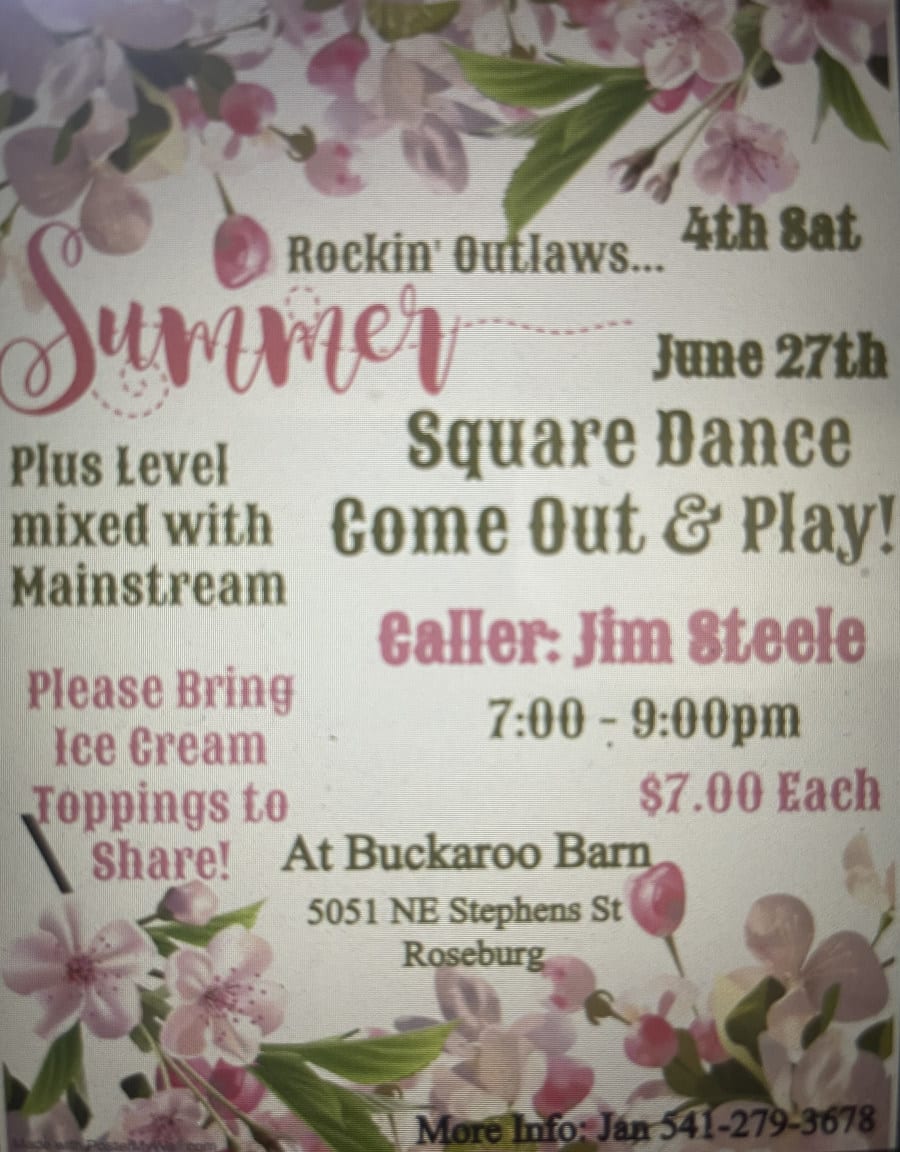
This is an example page. It will show up when the site opens. Most people start with an About page that introduces them to potential site visitors. It could be a large image, similar to a flyer but maybe larger. It could also be replaced by the Events page —whatever might attract a user.
Some notes…
The Events list view page:
- Access a specific event by clicking the title, the thumbnail image on the right, or the ‘Details’ link below it.
- In the Month (calendar ) view, open a specific event, click the link in the calendar or the image that pops up when hovering over the calendar item.
- Events can be added if no flyer is available yet. In this case, just click on the Event title to open the Event details view. Events can be edited to add flyers at a later time.
- Event list view is shown by default. Default Calendar view is also an option.
- Upcoming events are shown by default, but previous events can still be viewed if they still exist.
- Past events can be set to be deleted automatically after 1, 3, or 6 months.
- When past events are automatically deleted, their corresponding flyer image are also deleted.
- If a flyer is used for multiple events, it will not be deleted until after the last event is deleted.
The Event details view pages:
- Click on < All Events above the title to return to the Events list.
- At the bottom of the page there are links to the Previous and Next event.
- If you click on a Category link in this page, you will get a list of only events in that category. For example, to see only Round Dance or only Square Dance events listed on the Events list page.
General Info:
I set the Event category options to: Square Dance, Round Dance, and Line Dance.
Each can have its own primary, background and text colors. These colors show on the Events page, in both the List and Month (calendar)views. For example, I set colors temporarily for Square Dance to primary = blue, text = blue, background = none to show how they might appear.
The Barn Rental page is in a footer menu right now. It could could be moved to the top menu and be something like ‘The Barn’ with a dropdown to select About, History, and Rentals. Alternatively, these topics could all be items on the Home page.
I added a Glossary page for words that a new person might not know like tips, pre-rounds, caller vs cuer, etc.
I also added an FAQ (Frequently Asked Questions) page with terms where we can put information such as beginner vs advanced round dance, mainstream vs plus, what membership costs and what it gets you.
The top (header) menu is fairly simple, used to access the most used pages.
The bottom (footer) menus are used to access more informational topics like Barn Rental, FAQs, and offsite Links.